


Email remains one of the most important communication tools for modern businesses. Organizations use email every day to communicate with customers, employees, suppliers, partners, and other stakeholders.
But business email also creates an attractive target for cybercriminals.
Attackers may attempt to impersonate a company, send phishing emails using its domain, or manipulate email messages to make them appear legitimate. These threats can damage customer trust, expose sensitive information, and negatively affect a company's reputation.
This is why modern business email security involves more than simply creating professional email accounts.
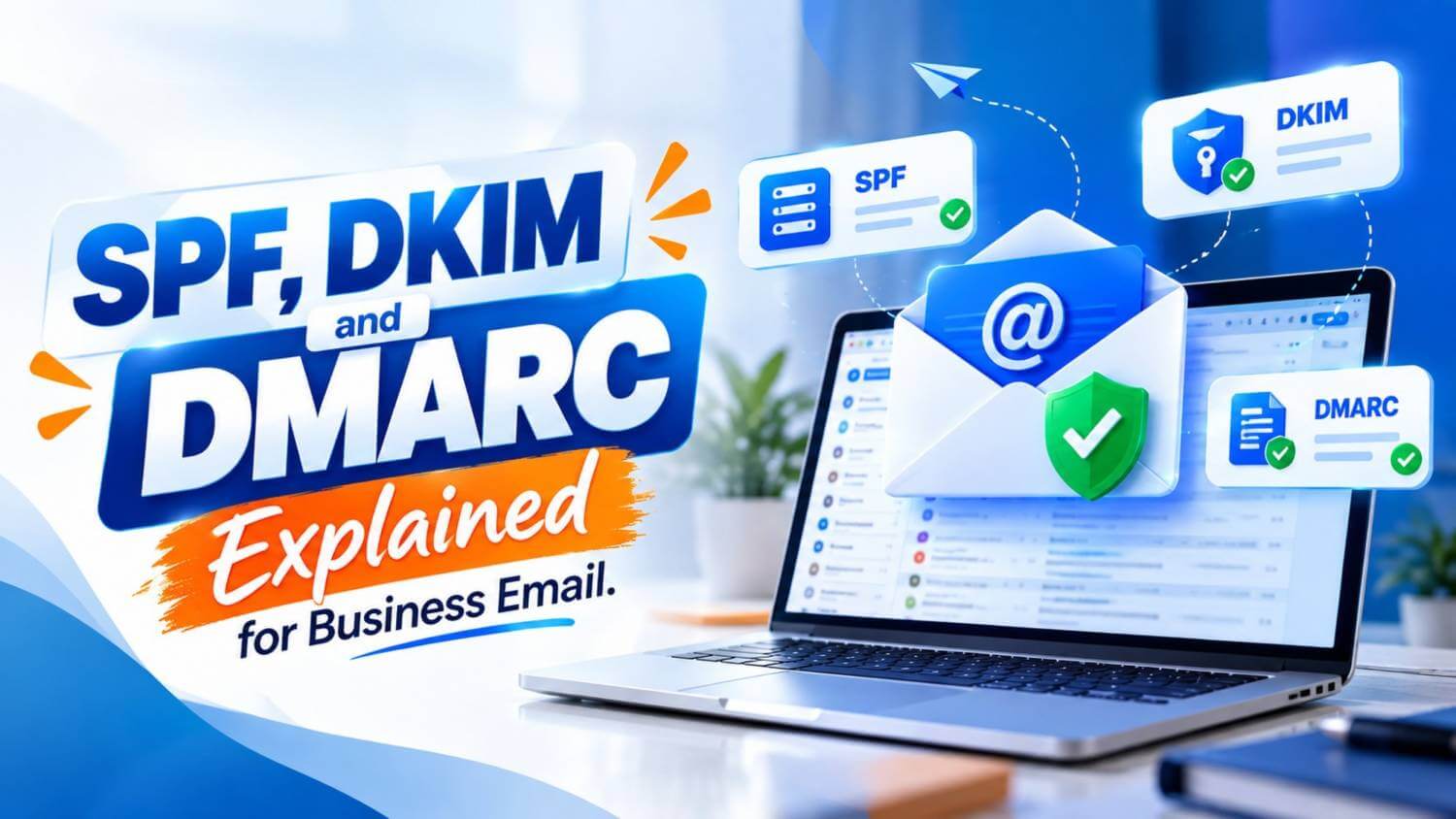
Three important technologies—SPF, DKIM, and DMARC—help organizations protect their domains, verify legitimate email messages, and reduce the risk of email spoofing.
Understanding how these technologies work is essential for any organization that relies on professional email communication.
Imagine receiving an email that appears to come from a trusted company.
The sender address looks correct, the company name appears familiar, and the message asks you to click a link or provide sensitive information.
However, the email was never actually sent by that organization.
This technique is commonly known as email spoofing.
Cybercriminals can attempt to impersonate legitimate domains to conduct phishing campaigns, distribute malicious links, or deceive customers and employees.
For businesses, these attacks can lead to:
Email authentication helps receiving mail servers determine whether a message claiming to come from your domain is actually authorized.
This is where SPF, DKIM, and DMARC become important.
SPF stands for Sender Policy Framework.
SPF allows a domain owner to specify which mail servers are authorized to send email on behalf of that domain.
This information is published as a DNS record.
For example, a business may send email through its corporate mail server, Google Workspace, Microsoft 365, or another authorized email service. SPF helps receiving email servers verify whether the server delivering the message is included in the domain's approved sender list.
The basic process works like this:
If the sending server is authorized, the SPF check can pass.
If an unauthorized server attempts to send email using the same domain, the SPF check may fail.
Without a properly configured SPF record, receiving servers have less information available to determine which systems are legitimately allowed to send email for your organization.
SPF can help businesses:
However, SPF alone is not enough.
It verifies the sending infrastructure, but it does not provide complete protection against every type of email impersonation or message manipulation.
That is why organizations typically combine SPF with DKIM and DMARC as part of a stronger business email authentication strategy.
Alpha Net itself offers Business Email Hosting, BDIX Email Hosting, and Google Workspace options as part of its email service portfolio, so this topic fits naturally within the company's broader business communication and security positioning.
DKIM stands for DomainKeys Identified Mail.
While SPF checks whether an email was sent from an authorized mail server, DKIM focuses on verifying whether the message itself is authentic and has remained unchanged during delivery.
DKIM works by adding a digital signature to outgoing email messages.
This signature is created using a private key stored on the sending mail server. The corresponding public key is published in the domain's DNS records.
When the recipient's mail server receives the message, it checks the DKIM signature against the public key.
The process can be simplified like this:
If the signature matches, the receiving server has stronger evidence that the message was sent by an authorized system and was not altered while in transit.
Businesses often send important messages such as invoices, account notifications, customer support responses, password reset emails, and internal communication.
If attackers can modify or impersonate these messages, the consequences can be serious.
DKIM helps strengthen email security by supporting message integrity and sender authentication.
For businesses, DKIM can help:
DKIM is especially important for organizations that use multiple business applications or third-party platforms to send email.
For example, a company may send messages through its main email server, CRM, billing platform, helpdesk, marketing system, or eCommerce application. Each sending service should be properly configured so that email authentication remains consistent.
DMARC stands for Domain-based Message Authentication, Reporting and Conformance.
DMARC brings SPF and DKIM together and gives domain owners greater control over how receiving mail servers should handle messages that fail authentication checks.
A DMARC policy is also published in DNS.
It tells receiving servers what to do when an email claiming to come from your domain does not properly align with SPF or DKIM.
The business can define a policy such as:
| DMARC Policy | Action |
|---|---|
| p=none | Monitor authentication results |
| p=quarantine | Treat suspicious messages more cautiously |
| p=reject | Reject messages that fail required authentication |
This allows organizations to move from monitoring email activity to actively protecting their domain against unauthorized use.
One of the most useful parts of DMARC is reporting.
DMARC reports can provide information about which servers and services are sending email using your domain.
This can help businesses identify:
This visibility is particularly useful for companies that use several email systems.
For example, a business may use a corporate email platform for employee communication while also using a separate CRM, newsletter service, website contact form, and billing application.
Without proper configuration, one of these legitimate systems may fail authentication.
DMARC reporting helps IT teams understand where those issues are occurring.
These three technologies perform different roles.
SPF verifies whether the sending server is authorized.
DKIM verifies the integrity and authenticity of the message.
DMARC checks alignment and defines what should happen when authentication fails.
Together, they create a stronger email authentication framework than any one technology can provide alone.
For businesses that depend on email for customer communication, sales, support, billing, and internal operations, implementing all three can significantly strengthen the security and credibility of professional email communication.
Understanding these technologies is important, but correct implementation matters even more.
A business should first identify every legitimate system that sends email using its domain. This may include the main business email platform, website forms, CRM software, billing systems, support platforms, marketing tools, and other applications.
Once the sending sources are identified, the organization can configure SPF and DKIM properly and then introduce DMARC in a controlled way.
A practical implementation process may look like this:
Starting with monitoring is often useful because it gives businesses time to identify configuration problems before moving to stricter enforcement.
Email authentication can become ineffective when DNS records are configured incorrectly.
Some common mistakes include:
For example, if a business starts using a new CRM or marketing platform but does not update its email authentication settings, legitimate messages from that platform may fail SPF or DKIM checks.
This is why email authentication should be treated as an ongoing part of business email management rather than a one-time setup.
| Technology | Main Purpose | What It Helps Verify |
|---|---|---|
| SPF | Authorizes sending servers | Where the email was sent from |
| DKIM | Adds a digital signature | Whether the message is authentic and unchanged |
| DMARC | Applies policy and reporting | Whether SPF/DKIM align with the visible sender domain |
The three standards complement one another.
SPF alone cannot verify message integrity. DKIM alone does not define how receiving servers should react when authentication fails. DMARC provides that additional policy and reporting layer.
Together, they create a much stronger foundation for professional email security.
Business email is closely connected to brand trust.
Customers may receive quotations, invoices, payment information, account notices, support messages, and other sensitive communication by email. If attackers successfully impersonate a company's domain, customers may struggle to distinguish genuine communication from fraudulent messages.
Properly configured SPF, DKIM, and DMARC can help businesses reduce this risk while also building a stronger sender reputation with receiving email systems.
Email authentication can therefore support both security and deliverability.
Businesses should look beyond simply creating email addresses such as [email protected] or [email protected].
A professional email environment should consider:
Organizations may also need to review DNS management, SSL security, backups, spam filtering, and the reliability of the underlying email hosting infrastructure.
For companies without an internal email administrator, working with an experienced IT or email service provider can simplify this process.
No. SPF is useful, but stronger email authentication typically combines SPF, DKIM, and DMARC.
DMARC works with SPF and DKIM authentication and checks whether authenticated domains align with the sender domain.
No security technology can eliminate every phishing attempt. However, these standards can significantly strengthen protection against unauthorized use of your own domain.
SPF, DKIM, and DMARC are three important components of modern business email security.
SPF identifies authorized sending servers. DKIM verifies message integrity. DMARC connects these checks with policy enforcement and reporting.
When implemented together, they can help organizations protect their domains, reduce spoofing risks, improve email trust, and maintain stronger professional communication.
For businesses that rely heavily on email, proper authentication should be considered an essential part of the IT infrastructure—not an optional technical feature.







































[All Registered Trademarks, Logo and Brand Names are properties of their respective owners]