


Business data is one of the most valuable assets of any organization. Customer information, financial records, documents, databases, website files, emails, and business applications all depend on reliable data storage.
However, hardware failure, accidental deletion, cyberattacks, ransomware, theft, fire, or natural disasters can lead to serious data loss. Without a proper Business Data Backup strategy, an organization may face downtime, financial loss, and damage to its reputation.
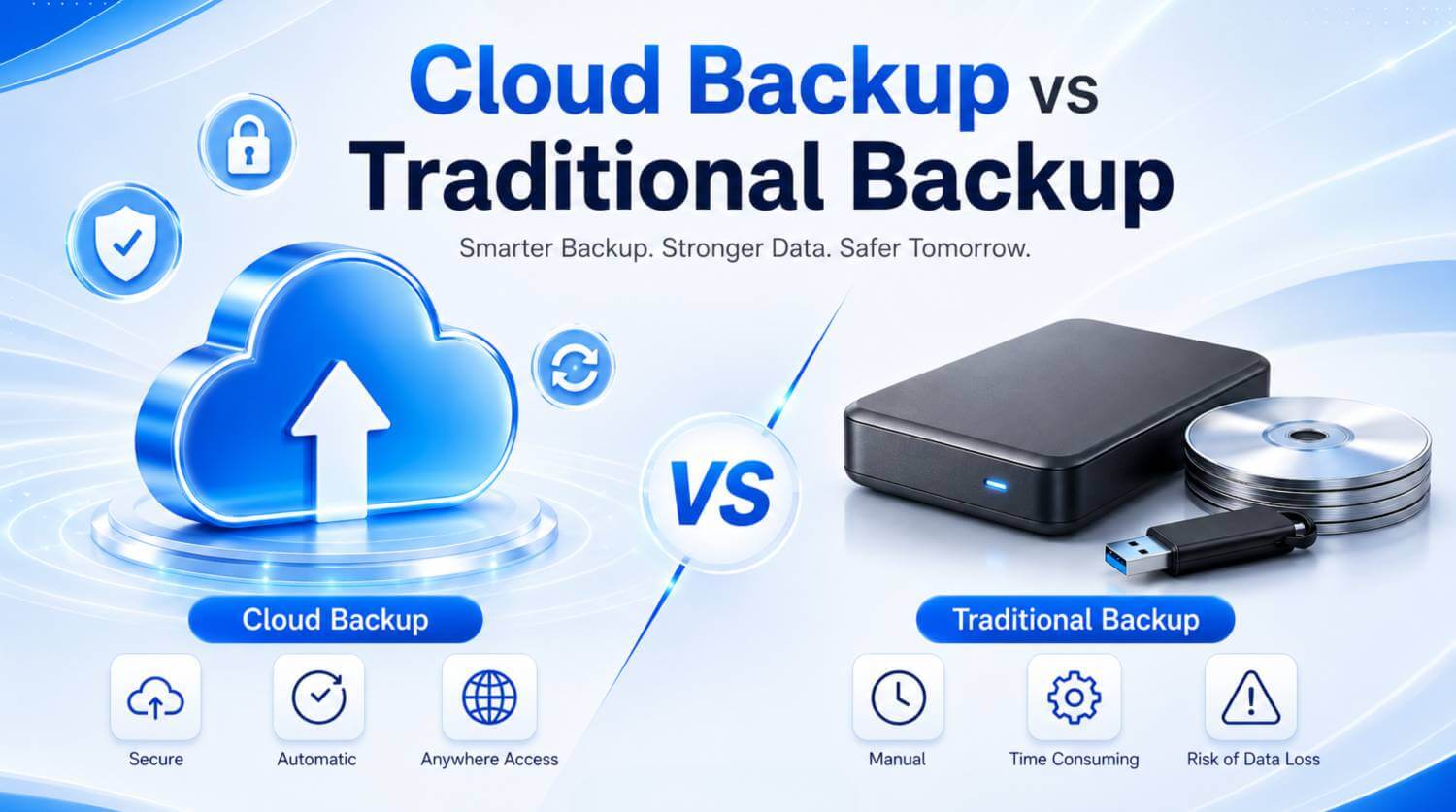
Businesses generally use two common backup methods: Cloud Backup and Traditional Backup. Both options have advantages and limitations.
This article explains the key differences between Cloud Backup vs Traditional Backup and helps businesses choose the most suitable solution.
Cloud Backup is a process where business data is copied and stored on remote servers through the internet.
Instead of keeping all backup files inside the office or on a physical device, cloud backup stores them in a secure offsite environment. Businesses can schedule backups automatically and restore data whenever required.
Common features of cloud backup include:
Automated backup scheduling
Remote data access
File versioning
Offsite data protection
Flexible storage capacity
Centralized backup management
Cloud backup is particularly useful for companies with remote employees, multiple offices, or growing storage requirements.
Traditional Backup refers to storing data on physical devices or locally managed infrastructure.
Common traditional backup methods include:
External hard drives
USB storage devices
Local backup servers
Network-Attached Storage
CDs or DVDs
Magnetic tapes
Traditional backup gives businesses direct physical control over their data. It can also provide fast recovery when the backup device is available locally.
However, physical backup systems require regular maintenance, monitoring, replacement, and protection.
| Feature | Cloud Backup | Traditional Backup |
|---|---|---|
| Storage Location | Remote or offsite server | Local device or server |
| Accessibility | Accessible remotely | Usually accessible locally |
| Automation | Usually automated | Often manual |
| Scalability | Easy to expand | Requires additional hardware |
| Maintenance | Mostly provider-managed | Managed by the business |
| Disaster Protection | Strong offsite protection | May be affected by local disasters |
| Recovery Speed | Depends on internet speed | Often faster for local recovery |
| Cost Structure | Subscription-based | Hardware and maintenance cost |
| Physical Control | Limited direct control | Full physical control |
One of the biggest benefits of Cloud Backup is automation. Businesses can schedule backups daily, weekly, hourly, or according to their operational requirements.
This reduces the risk of employees forgetting to back up important files.
Cloud backup stores data away from the primary business location.
If office equipment is damaged by fire, flood, theft, or hardware failure, the remote backup may remain safe and available.
As a business grows, its data storage requirement also increases.
With Secure Cloud Storage, businesses can usually increase storage capacity without purchasing new hard drives or backup servers.
Authorized users can access or restore backup data from different locations.
This is helpful for remote teams, branch offices, and emergency recovery situations.
Cloud backup reduces the need to purchase, maintain, and replace physical storage devices.
This can simplify backup management for small and medium-sized businesses.
Cloud backup also has some limitations.
A reliable internet connection is required to upload and restore backup data.
Restoring a large amount of data may take time, depending on internet speed and backup size.
Cloud backup generally requires a monthly, annual, or usage-based subscription.
Service quality, availability, support, and security depend partly on the cloud service provider.
Weak passwords or poor access control may create security risks. Businesses should use strong passwords, restricted permissions, and multi-factor authentication where possible.
Traditional backup can provide faster data recovery because files are stored on a nearby device or server.
The business has direct control over the backup device, storage location, and access permissions.
Local backup and restoration can work without an internet connection.
A disconnected backup device may provide additional protection against certain online threats and ransomware attacks.
Employees may forget to perform backups or may fail to verify whether the backup was completed successfully.
External drives, tapes, and local servers can fail unexpectedly.
When storage becomes full, businesses must purchase additional hardware.
If the backup is stored in the same office as the original data, both copies may be damaged during fire, theft, flood, or electrical failure.
The business must manage hardware replacement, software updates, backup monitoring, and physical security.
The right backup solution depends on the business size, data volume, budget, internet connection, security requirements, and recovery expectations.
Choose Cloud Backup when your business needs:
Automated backup
Remote accessibility
Offsite protection
Easy storage expansion
Centralized management
Reduced hardware maintenance
Choose Traditional Backup when your business needs:
Faster local recovery
Full physical control
Offline storage
Limited internet dependency
For many businesses, using only one backup method may not provide enough protection.
A Hybrid Backup combines cloud backup and traditional backup.
In this approach, one backup copy is stored locally, while another copy is stored in a remote cloud environment.
The local backup provides faster recovery, while the cloud backup protects against local disasters, theft, or hardware failure.
A hybrid backup strategy offers a better balance of:
Security
Recovery speed
Accessibility
Scalability
Business continuity
Businesses may also follow the 3-2-1 backup principle:
Keep at least three copies of important data
Store data on two different types of storage
Keep at least one backup copy offsite
Before choosing a Data Recovery Solution, businesses should evaluate:
Calculate how much data needs to be backed up.
Determine whether data should be backed up daily, hourly, or continuously.
Identify how quickly operations must resume after data loss.
Check encryption, user access control, authentication, and backup monitoring.
Choose a solution that can grow with the business.
Consider hardware cost, subscription fees, maintenance, and technical support.
Backups should be tested regularly to ensure that data can be restored successfully.
A backup is only valuable when the data is complete, secure, and recoverable.
Alpha Net provides professional cloud, hosting, server, and data center solutions for businesses.
With reliable infrastructure, scalable resources, and technical support, Alpha Net can help organizations build a secure and efficient data protection strategy.
Businesses can select a solution based on their storage capacity, operational requirements, security policies, and recovery goals.
To learn more about Alpha Net’s cloud and IT infrastructure solutions, visit alpha.net.bd.
In the comparison of Cloud Backup vs Traditional Backup, both methods provide important benefits.
Traditional backup offers faster local recovery, offline access, and full physical control. Cloud backup provides automation, remote access, scalability, and offsite data protection.
For most modern businesses, a Hybrid Backup strategy is often the most practical option. It combines the speed of local backup with the security and flexibility of cloud storage.
A reliable backup strategy can help businesses reduce downtime, protect valuable information, and recover quickly after unexpected data loss.
Cloud backup stores data on remote servers through the internet, while traditional backup stores data on physical or local devices.
Cloud backup can be secure when it includes encryption, strong authentication, access control, and reliable infrastructure.
Yes, an internet connection is required to upload data and restore it remotely.
An external drive can be useful, but it should not be the only backup because it may fail, become damaged, or be stolen.
A hybrid backup solution is often the best choice because it combines fast local recovery with secure offsite protection.